ScraperAPI's Hobby plan says 100,000 credits for $49. Turn on JavaScript rendering and premium proxies, and each request costs 25 of them. That's 4,000 pages, or $12.25 per 1,000. The credits aren't the expensive part. The multipliers are.
This guide compares nine ScraperAPI alternatives, each a web scraping API. We priced them on what you'd actually pay per 1,000 successful pages, by page type, using each vendor's own pricing and multiplier docs. Full disclosure: Web-Scraper-API is our product. It's listed first, with its real downsides, and we'll tell you when ScraperAPI is still the cheaper pick
Quick answer: the best ScraperAPI alternative depends on which multiplier you're paying
If rendered or residential-proxy pages eat most of your bill, Web-Scraper-API or Scrape.do will cut it hardest. If you scrape heavily protected sites at scale and want one flat price, look at Bright Data's Web Unlocker. Mostly plain static HTML? Then honestly, ScraperAPI's 1-credit base is hard to beat from $149 up.
| Tool | Best for | Free tier | Entry plan | JS + residential, per 1,000 pages on entry plan |
|---|---|---|---|---|
| Web-Scraper-API | Rendered + residential pages on a small budget | 1,000 credits, no card | $49/mo, 600K credits (or PAYG from $10) | $1.39 |
| ScrapingBee | Closest drop-in replacement | 1,000 credits, no card | $19/mo, 75K credits | $6.33 |
| Bright Data Web Unlocker | Hard targets at scale, one flat price | 5K requests/mo | PAYG $1.50 per 1K requests | $1.50 (flat) |
| Scrape.do | Cheap credits, geo-targeting on every plan | 1,000 successful credits | $29/mo, 250K credits | $2.90 |
| Scrapfly | Compliance-heavy teams | 1,000 credits, no card | $30/mo, 200K credits | $4.50 |
| Zyte API | Mixed sites, priced per site difficulty | $5 credit, first billing month | PAYG | $1.01 to $16.08 (browser, by tier) |
| ZenRows | Fixed weights, no per-site surprises | 5,000 credits/mo | $19/mo, 45K credits | $10.56 |
| Oxylabs | Enterprise buyers, one subscription | $5 welcome credit | $30/mo | $1.50 (JS, custom domain) |
| Scrapingdog | Cheapest static and JS pages mid-volume | 100 credits | $40/mo, 200K credits | $5.00 |
| ScraperAPI (baseline) | Static HTML at volume | 1,000 credits/mo | $49/mo, 100K credits | $12.25 |
What ScraperAPI does well (more than people admit)
Let's be fair before we pile on. ScraperAPI is a mature product with a big install base and a 4.6 rating on Capterra from 62 reviews.
It gives you several ways in. There's a sync endpoint, an async endpoint and a proxy port you can drop into an existing scraper. There are also structured data endpoints that return JSON for sites like Amazon and Google, plus DataPipeline for scheduled jobs (ScraperAPI docs). There's a local MCP server too, installed with pip and run on your machine (PyPI). It also bought Traject Data, the company behind Rainforest API and SerpWow, in April 2026 (ScraperAPI), so its structured e-commerce and SERP data is only getting deeper.
And for plain HTML that doesn't need rendering or premium IPs, 1 credit per request is cheap.
Why teams switch: the costs hiding behind 100,000 credits
So why do people go looking? Mostly because the bill doesn't match the plan name. Here's where the credits go, per ScraperAPI's own credit cost page:
- Multipliers stack, and not additively. Rendering costs 10 credits. Premium proxies cost 10. Both together cost 25, not 20. Ultra-premium with rendering costs 75.
- Some domains cost more no matter what you send. Amazon, Walmart and eBay are 5 credits. Google and Bing are 25. LinkedIn is 30.
- Anti-bot protection adds +10 per vendor. Cloudflare, Turnstile, DataDome, PerimeterX and Akamai bypasses each add 10 credits, and a domain's cost can change when it switches protection.
- Entry plans are geo-locked. Hobby and Startup can only target the US and EU. Country-level targeting starts on the $299 Business plan (pricing).
- Some non-results are billed. ScraperAPI charges for 200 and 404 responses, and for requests "cancelled from your side before giving us enough time to finish them (70 seconds)".
- Credits don't roll over, and pay-as-you-go overage only exists from the $475 Scaling plan up (plans and billing FAQ).
One more detail most comparison posts miss. Ultra-premium requests are served from cache by default when a copy exists, up to 10 minutes old. You can turn that off with cache_control=no-cache, and cached responses carry an sa-from-cache: 1 header (cached responses). Fine for most jobs. Not fine if you're tracking prices by the minute and never knew it was on.
How we compared ScraperAPI alternatives
Every tool below is judged on the same six things:
- Cost per 1,000 successful pages, for static HTML, JS-rendered pages and JS + residential pages, computed from the vendor's own plan and multiplier pages.
- What a failed request costs: which status codes are billed, and whether retries are free.
- Geo-targeting on the entry plan.
- Entry commitment: free tier, pay-as-you-go, and whether credits expire.
- Throughput: concurrency or rate limit on the entry plan, in the vendor's own unit. Threads and requests per minute aren't the same thing, so we don't convert one into the other.
- Output and AI-agent fit: HTML, Markdown, JSON, and whether there's an MCP server.
We didn't run a speed or success-rate benchmark for this post, so you won't find any of those numbers here. The only real test is your own URLs, which is why every tool listed has a free tier.
The 9 best ScraperAPI alternatives in 2026
1. Web-Scraper-API: best for rendered and residential pages on a small budget
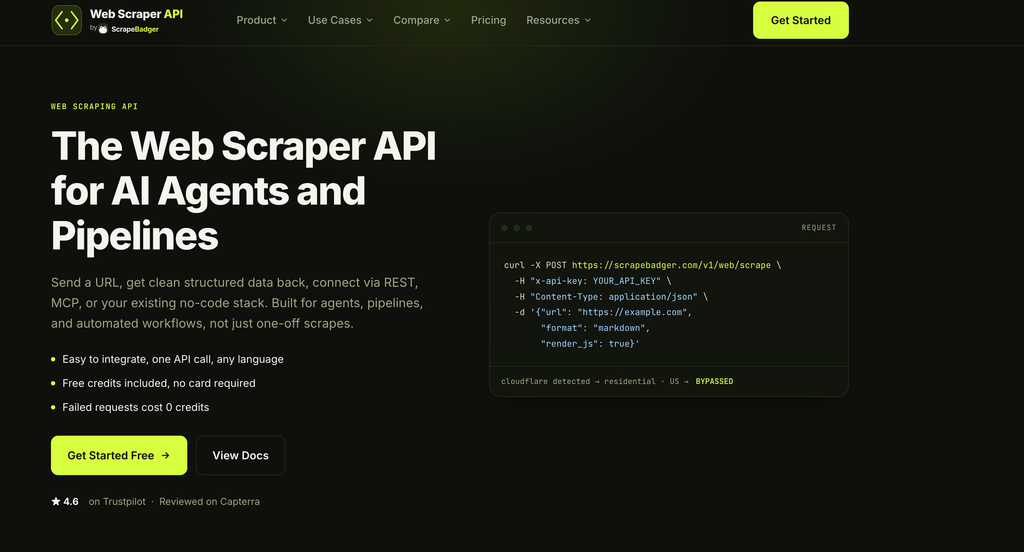
Web-Scraper-API is a general web scraping API with dedicated endpoints for Google, Twitter/X and dozens of marketplaces, powered by ScrapeBadger. You send one POST request and get back HTML, Markdown, plain text or a screenshot.
Key features
- Anti-bot bypass for Cloudflare, DataDome, Akamai Bot Manager, Imperva Incapsula, PerimeterX (HUMAN) and Kasada on every plan
- Residential proxies in 150+ countries, including on the free tier
- Auto-escalation from HTTP to browser, and you only pay for the method that succeeds
max_costcaps what any single request can spend- Hosted MCP server at mcp.scrapebadger.com, with 300+ tools across 30+ products (MCP integration)
Pricing. Credits cost the engine price plus a proxy surcharge: 3 credits for an HTTP page, 7 for a rendered page, 13 for an HTTP page on premium proxies and 17 for a rendered page on premium proxies [UNVERIFIED: premium totals, see flags]. Google Search is 20. Plans run $49 for 600,000 credits, $129 for 1.8M, $299 for 5M and $699 for 13M. Pay-as-you-go starts at $10 at $0.15 per 1,000 credits, and those credits never expire (pricing). Failed requests and retries cost 0 credits.
Best for: teams whose bill is mostly rendered pages, residential IPs or Google results.
Pros
- A JS + residential page costs 17 credits, against ScraperAPI's 25
- Country targeting on every plan, not just Business and up
- Pay-as-you-go credits never expire
Cons
- Plain static HTML costs 3 credits against ScraperAPI's 1, so from $149 up ScraperAPI is cheaper for those pages
- Subscription credits refresh monthly and don't roll over (only PAYG credits carry forward)
- The review base is still small next to ScraperAPI's or ScrapingBee's
Bottom line: if your ScraperAPI dashboard is full of render=true and premium=true, you'll save the most here. Here's the full ScraperAPI vs Web-Scraper-API comparison.
Try it on your own URLs. 1,000 free credits, no card. Get your API key
2. ScrapingBee: best as a near drop-in replacement
ScrapingBee is the tool on every one of these lists, and the reason is simple: its API feels a lot like ScraperAPI's, so switching is mostly renaming parameters. It's now part of the Oxylabs group but still runs as a separate product (ScrapingBee blog).
Key features
- Classic, premium and stealth proxy pools
- Google requests at 15 credits (ScraperAPI charges 25)
- AI extraction, a CLI and a remote MCP server
Pricing. Hobby is $19 for 75,000 credits with 25 concurrent requests. Freelance is $49 for 250,000 (50 concurrent), Startup $99 for 1M and Business $249 for 3M (pricing). A request with JS off is 1 credit, JS rendering 5, premium proxy 10, premium + JS 25, stealth 75 (credit system). Watch out for one migration gotcha: JS rendering is on by default, so every request costs 5 credits unless you send render_js=false (FAQ). Credits are valid for one month and don't roll over.
Best for: teams who want to switch in an afternoon and mostly render pages on standard proxies.
Pros: half ScraperAPI's JS cost (5 vs 10); $49 buys 250K credits and 50 concurrent requests, against ScraperAPI's 100K and 20; strong reviews (4.8 on G2 from 28, 4.9 on Capterra from 141).
Cons: premium + JS is still 25 credits; classic proxies cover only 40+ countries; 404 and 410 responses are billed.
Bottom line: the lowest-effort switch, but it fixes the render multiplier, not the residential one. More in our ScrapingBee alternatives page.
3. Bright Data Web Unlocker: best for hard targets at scale
Bright Data runs one of the largest proxy networks, and Web Unlocker is its "send a URL, get the page" product. What sets it apart here: it doesn't use credit multipliers.
Key features: priced per successful request with no separate JS or premium-domain fee; unlimited concurrent requests; SOC 2 Type II and ISO 27001 (security overview); an MCP server with 5,000 free requests a month. The SOC 2 report is available under NDA.
Pricing. Pay-as-you-go is $1.50 per 1,000 requests. The $499/month Scale plan includes 383,000 requests, then $1.30 per 1,000 (Web Unlocker pricing).
Best for: protected targets where you'd be paying ScraperAPI's 25 or 75 credits on most requests.
Pros: one price for every page type; no concurrency cap; enterprise compliance paperwork ready.
Cons: $1.50 is a lot for static pages you could get for $0.10 elsewhere; the product range is big and takes time to learn.
Bottom line: expensive for easy pages, very predictable for hard ones.
4. Scrape.do: best for cheap credits with geo-targeting on every plan
Scrape.do uses the familiar 1 / 5 / 10 / 25 credit weights, but its credits cost less than most.
Key features: geo-targeting in 160+ countries on every plan, free tier included; failed requests cost nothing; per-domain overrides published openly (Google 10, LinkedIn 30) (request costs).
Pricing. Hobby is $29 for 250,000 credits with 10 concurrent requests. Pro is $99 for 1.25M and Business $249 for 3.5M (pricing).
Best for: price-sensitive teams scraping outside the US and EU.
Pros: among the cheapest JS rendering here ($0.36 per 1,000 on Business); geo on every plan; transparent per-domain costs.
Cons: JS + residential is still 25 credits; it counts 400, 404 and 410 as successful (billed); no MCP server on its pricing page.
Bottom line: a straight discount on the ScraperAPI model, with the geo lock removed.
5. Scrapfly: best for compliance-heavy teams
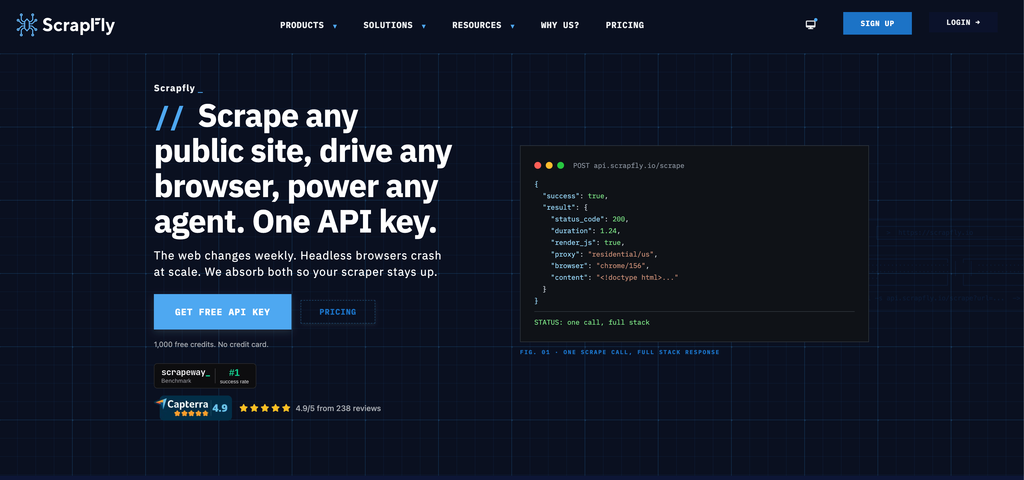
Scrapfly has five APIs on one credit pool and the deepest compliance list here: SOC 2 Type II, ISO 27001, HIPAA and GDPR (pricing).
Key features: SDKs for Python, TypeScript, Go and Rust; 190+ proxy countries; a hosted MCP server.
Pricing. Discovery is $30 for 200,000 credits, Pro $100 for 1M, Startup $250 for 2.5M. A datacenter request costs 1 credit, datacenter + JS 6, residential 25 and residential + JS 30 (billing docs). Quotas reset at renewal.
Best for: teams that need a security review signed off before they can buy.
Pros: strongest compliance story; big review base (4.7 on G2 from 115, 4.9 on Capterra from 238); failed scrapes not billed under normal conditions.
Cons: residential costs 25 credits even without JS; its Unblocker can switch proxy pools mid-request, which changes the cost; failed-scrape protection switches off if 30% or more of your scrapes get blocked over 24 hours (minimum 1,000 scrapes, counting only scrapes sent without the Unblocker).
Bottom line: buy it for the paperwork, not to save on residential pages. See our Scrapfly comparison.
6. Zyte API: best for mixed-difficulty sites
Zyte prices each site by difficulty tier instead of by parameter. Easy sites cost little, and hard sites cost a lot.
Key features: HTTP and browser requests priced per tier (T1 to T5); you're not charged for unsuccessful responses or rate-limit responses (errors docs); 3,000 requests per minute per API key; ISO 27001.
Pricing. Pay-as-you-go browser requests run from $1.01 per 1,000 on tier 1 to $16.08 on tier 5. A $100 monthly commitment lowers that to $0.75 to $12.00. HTTP requests start at $0.13 per 1,000 (pricing).
Best for: a portfolio of sites where most are easy and a few are brutal.
Pros: the most generous failed-request policy here; high rate limit; cheap on easy sites.
Cons: you don't know a site's tier until you test it; tier 5 browser pages are among the most expensive rates in this guide.
Bottom line: great if your sites are mostly easy, painful if they're mostly hard.
7. ZenRows (now "Fetch"): best for fixed costs with no per-site surprises
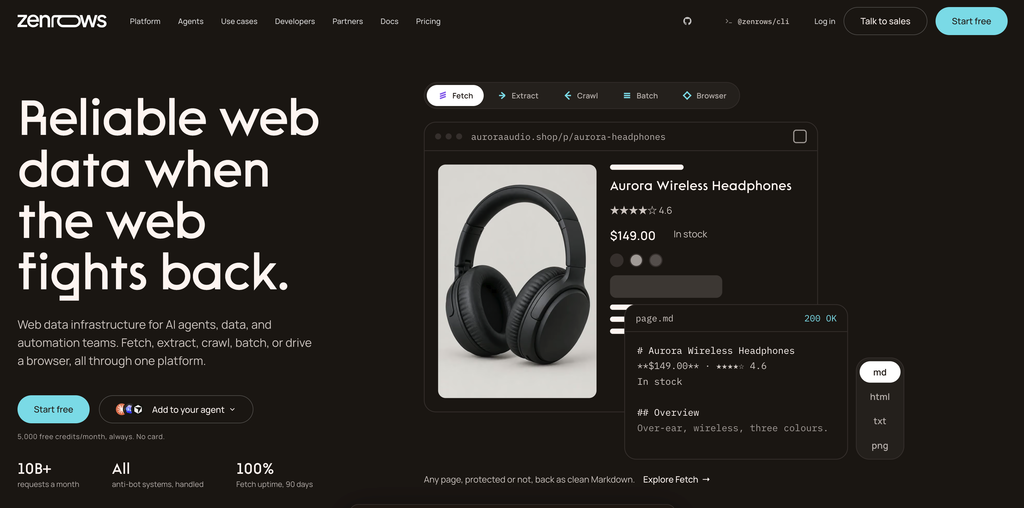
ZenRows renamed its Universal Scraper API to Fetch. Its pitch is that credit weights are fixed: 1, 5, 10 or 25, which its docs say are "fixed and never change" (pricing FAQ).
Key features: failed and retried requests don't use your balance; a hosted MCP server and a CLI for coding agents; SOC 2 and ISO 27001 on Enterprise.
Pricing. Self-serve plans start at $19 for 45,000 credits (20 concurrent) and run up to $2,999 for 45M. The free plan gives 5,000 credits a month (pricing).
Best for: teams who've been burned by a domain's price changing under them.
Pros: predictable costs per request type; large free tier; good reviews (5.0 on G2 from 18, 4.7 on Capterra from 103).
Cons: low-tier credits are expensive ($10.56 per 1,000 JS + residential pages on the $19 plan); country targeting needs premium proxies; plan credits don't roll over.
Bottom line: you pay a bit more per credit for certainty.
8. Oxylabs Web Scraper API: best for enterprise buyers
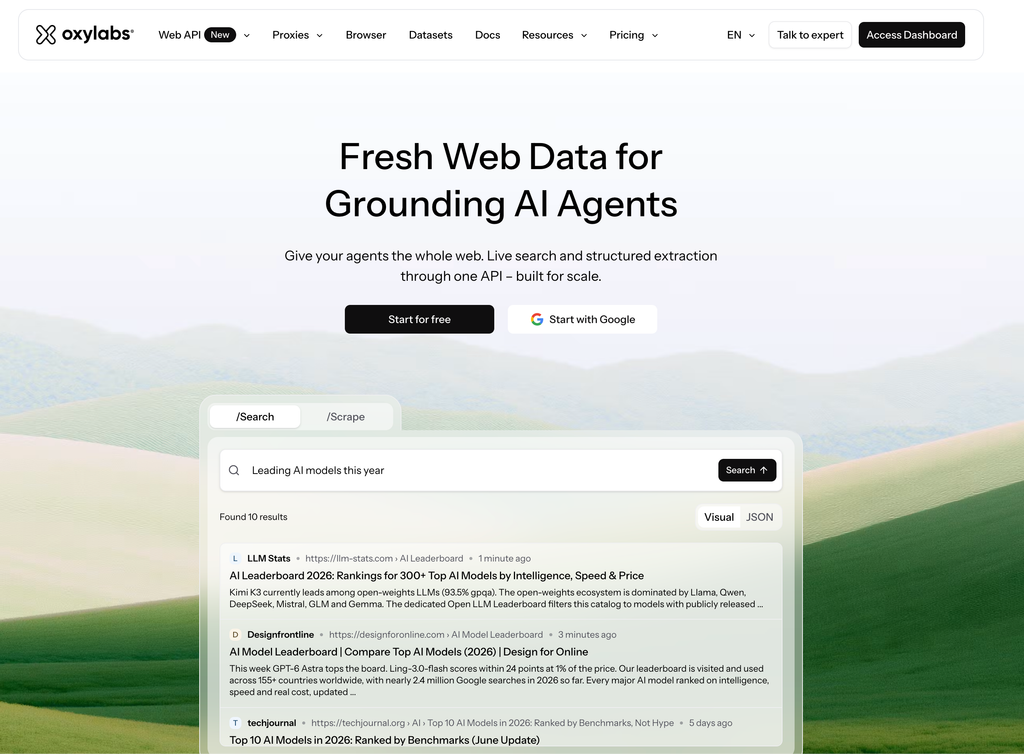
Oxylabs has moved to one subscription that funds a shared credit balance across its products. Prices are per 1,000 results, not per credit.
Key features: SOC 2 Type 2 for its Scraper API, ISO/IEC 27001:2022 (trust center); failures caused by Oxylabs' own errors aren't charged; one account for scraping and proxies.
Pricing. Plans are Starter $30, Basic $100 and Flexible $500. Custom domains cost $1.00 per 1,000 results without JavaScript, falling to $0.75 at volume, and $1.50 with JavaScript. Supported targets such as Amazon start lower, at $0.50 (pricing).
Best for: larger teams already buying proxies from Oxylabs.
Pros: per-result pricing is easy to forecast; strong compliance; 4.5 on G2 from 400+ reviews.
Cons: any 2xx or 4xx response counts as successful (billed); unused balance expires at the end of each cycle (billing docs).
Bottom line: a procurement-friendly choice, less so for a solo developer.
9. Scrapingdog: best for the cheapest static and JS pages at mid volume
Scrapingdog uses the same 1 / 5 / 10 / 25 weights as ScrapingBee, at lower plan prices.
Key features: charges only for successful requests; pay-as-you-go since November 2025 ($10 for 25,000 credits, no expiry) (PAYG announcement); geo-targeting on all paid plans at 10 credits.
Pricing. Lite is $40 for 200,000 credits with 5 concurrent requests. Standard is $90 for 1M and Pro $200 for 3M.
Best for: high-volume static and lightly rendered pages.
Pros: joint-cheapest static pages ($0.07 per 1,000) and the cheapest JS pages ($0.33) in our table, on its $200 plan; PAYG option.
Cons: 5 concurrent requests on Lite is tight; geo-targeting costs 10 credits a request; small review base (3.0 on G2 from 5).
Bottom line: the budget pick for easy pages. More in our Scrapingdog comparison.
Not a ScraperAPI-style API, but often on these lists: Apify and Firecrawl
Apify is a platform for running pre-built and custom scrapers ("Actors"), billed by compute units rather than by request. Its free plan gives $5 of usage a month, and paid plans start at $19 (pricing). It's a good fit when someone has already built a scraper for your target. It isn't a URL-in, HTML-out swap.
Firecrawl turns pages into LLM-ready Markdown and JSON. Scraping costs 1 credit per page, its upgraded proxy mode costs nothing extra, and plans start at $19 for 5,000 credits (pricing). It suits AI pipelines more than high-volume page collection.
Cost per 1,000 pages: ScraperAPI vs every alternative
Here's the number that should drive the decision. Same formula for every tool:
cost per 1,000 pages = (plan price / plan credits) x credits per request x 1,000At the plan closest to $250-300/month:
| Tool (plan) | Static HTML | JS-rendered | JS + residential |
|---|---|---|---|
| ScraperAPI (Business $299, 3M) | $0.10 | $1.00 | $2.49 |
| Web-Scraper-API (Pro $299, 5M) | $0.18 | $0.42 | $1.02 |
| ScrapingBee (Business $249, 3M) | $0.08 | $0.42 | $2.08 |
| Scrape.do (Business $249, 3.5M) | $0.07 | $0.36 | $1.78 |
| Scrapfly (Startup $250, 2.5M) | $0.10 | $0.60 | $3.00 |
| ZenRows ($279, 2M) | $0.14 | $0.70 | $3.49 |
| Scrapingdog (Pro $200, 3M) | $0.07 | $0.33 | $1.67 |
| Bright Data Web Unlocker (PAYG) | $1.50 | $1.50 | $1.50 |
Pricing verified on each provider's own page, November 2026. ScraperAPI's figures leave out its +10-per-vendor anti-bot surcharge, so protected targets cost it more than shown. Scrapfly's JS + residential is its residential + browser rate (30 credits).
Three takeaways. Static HTML is cheap almost everywhere, and we're not the cheapest. Plain JS rendering is a close race between Scrapingdog, Scrape.do, ScrapingBee and us. JS + residential is where ScraperAPI hurts most, and where we're cheapest.
Want to know your own mix? ScraperAPI returns an sa-credit-cost header on every response. Log it for a day, group by request type, and run each group through the table.
Switching from ScraperAPI to Web-Scraper-API
The main change: ScraperAPI takes query parameters on a GET, and Web-Scraper-API takes a JSON body on a POST, with the key in a header.
Before (ScraperAPI)
import os
import requests

resp = requests.get(
    "https://api.scraperapi.com/",
    params={
        "api_key": os.environ["SCRAPERAPI_KEY"],
        "url": "https://example.com/products",
        "render": "true",
        "premium": "true",
        "country_code": "de",
    },
    timeout=70,
)
html = resp.text
print(resp.headers.get("sa-credit-cost"))
After (Web-Scraper-API)
import os
import requests

resp = requests.post(
    "https://scrapebadger.com/v1/web/scrape",
    headers={"x-api-key": os.environ["SCRAPEBADGER_API_KEY"]},
    json={
        "url": "https://example.com/products",
        "render_js": True,
        "proxy_tier": "premium",
        "country": "de",
        "format": "html",
        "max_cost": 20,
    },
    timeout=90,
)
data = resp.json()
html = data["content"]
print(data["credits_used"])| ScraperAPI | Web-Scraper-API |
|---|---|
api_key (query) | x-api-key (header) |
render=true | "render_js": true |
premium=true | "proxy_tier": "premium" |
ultra_premium=true | "proxy_tier": "ultra" |
country_code | country |
output_format=markdown / text | "format": "markdown" / "text" |
wait_for_selector | wait_for |
session_number | session_id |
sa-credit-cost header | credits_used field or X-Credits-Used header |
Run both side by side for a week on the same URL list. Compare content, not just status codes, and add up credits_used against sa-credit-cost. Then switch. Full parameter reference is in the docs, and there's a Python SDK if you'd rather not hand-roll requests (Python integration).
When to stay with ScraperAPI
Not everyone should switch. Stay if:
- Most of your pages are static HTML and you're on Startup or above. At 1 credit a page, ScraperAPI beats us.
- You rely on its structured JSON for Amazon, Walmart or Google, especially now that Traject Data's APIs are joining its platform.
- You run scheduled jobs in DataPipeline or use the proxy-port mode inside an existing Scrapy setup.
- You've already tuned your jobs around
sa-credit-costand your bill is predictable.
FAQ
What is the best alternative to ScraperAPI?
It depends on what's driving your bill. For rendered pages on residential proxies, Web-Scraper-API is cheapest per page in our comparison ($1.02 per 1,000 on the $299 plan, against ScraperAPI's $2.49). ScrapingBee is the closest drop-in. Bright Data Web Unlocker gives hard targets one flat price. And for cheap static pages, look at Scrapingdog or Scrape.do.
Is ScraperAPI free?
Partly. ScraperAPI has a free plan with 1,000 API credits a month and 5 concurrent connections, plus 5,000 credits during the first 7 days after signup. Paid plans start at $49/month for 100,000 credits (plans and billing FAQ).
Why does ScraperAPI use so many credits?
Because the parameter multipliers stack. JS rendering costs 10 credits, premium proxies 10, both together 25, and ultra-premium with rendering 75. Google and Bing cost 25 on their own, and each anti-bot bypass (Cloudflare, DataDome and others) adds 10. So 100,000 credits can mean anything from 100,000 pages down to about 1,300.
Does ScraperAPI charge for failed requests?
Mostly no, with exceptions. ScraperAPI bills responses with status 200 and 404, and requests you cancel before its 70-second window. Other errors aren't charged. Web-Scraper-API, Scrape.do, ZenRows and Zyte also don't charge for failures, though their definitions of "successful" differ.
Is there a cheaper alternative to ScraperAPI?
Yes, for most page types. At the $250-300 tier, every credit-based alternative in the table is cheaper than ScraperAPI for JS-rendered pages. Five of the seven alternatives in the table, including Bright Data, are cheaper for JS + residential pages. For plain static HTML, ScraperAPI's 1-credit base is already among the cheapest.
How do I switch from ScraperAPI without rewriting my scraper?
Change the request layer, not the parser. Swap the endpoint, move the key into a header, and rename a handful of parameters (render, premium, country_code). Your HTML parsing stays the same. Run both APIs in parallel for a week before cutting over.
The short version
ScraperAPI's credits are fairly priced. Its multipliers aren't. Find the one you pay most often, then test the two alternatives that fix it on your own URLs, with free credits.
Related reading
- ScrapingBee vs Scrapingdog vs Web-Scraper-API
- Python web scraping guide
- ScraperAPI vs Web-Scraper-API: full comparison